
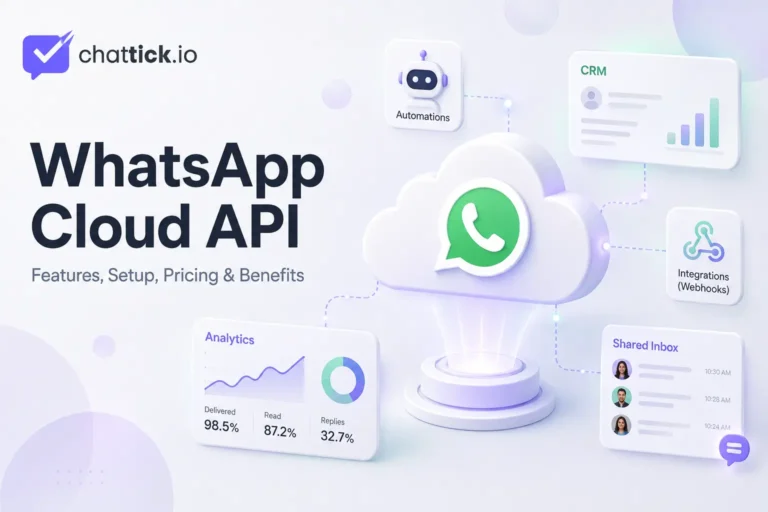
WhatsApp Cloud API is Meta’s official, cloud-hosted API for businesses that want to send and receive WhatsApp messages through websites, CRM systems, customer-support platforms, chatbots, and custom applications.
Instead of relying on a single mobile app, businesses can use WhatsApp Cloud API to connect customer conversations with agents, automated workflows, databases, appointment systems, e-commerce platforms, and other backend tools.
Meta hosts the API infrastructure, while the business or its technology provider manages the customer experience, integrations, automation, security, and agent workspace.
This guide explains how WhatsApp Cloud API works, its main features, setup requirements, messaging options, pricing, benefits, limitations, and whether it is the right solution for your business in 2026.
Quick Answer: What Is WhatsApp Cloud API?
WhatsApp Cloud API is the official cloud-based version of the WhatsApp Business Platform API.
It allows businesses to programmatically:
- Send and receive WhatsApp messages
- Connect multiple agents or bots
- Automate customer communication
- Integrate WhatsApp with CRM systems
- Send approved message templates
- Receive real-time message events through webhooks
- Track delivery, read, and failure statuses
- Build custom sales and support workflows
Meta describes Cloud API as the official WhatsApp Business Platform API for business messaging. It is designed to connect customers with agents, bots, CRM platforms, marketing systems, and other backend applications at scale.
Is WhatsApp Cloud API the Same as WhatsApp Business API?
The terms are closely related but are not always used in exactly the same way.
WhatsApp Business API is the common name many businesses use for Meta’s enterprise messaging solution.
WhatsApp Cloud API is Meta’s cloud-hosted implementation of the WhatsApp Business Platform API.
In practical terms, when businesses discuss setting up WhatsApp Business API today, they are often referring to Cloud API or a software platform built on top of it.
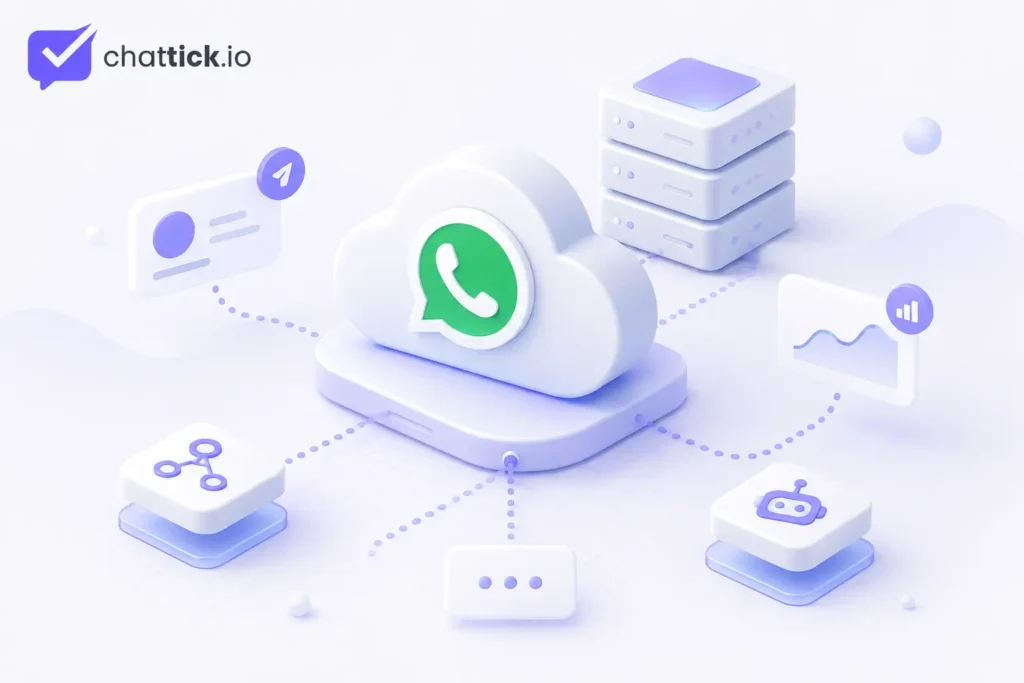
Cloud API provides the messaging connection, but it does not automatically provide every tool a sales or support team needs. In practice, businesses usually connect it with:
- A shared inbox
- CRM software
- Automation workflows
- Chatbot systems
- Analytics tools
- E-commerce systems
- Appointment software
- A custom dashboard
Businesses that only need basic manual messaging may prefer the WhatsApp Business App. Companies needing integrations, automation, multiple agents, and scalable communication are more likely to use the API.
How Does WhatsApp Cloud API Work?
WhatsApp Cloud API connects WhatsApp with your business systems through Meta’s Graph API.
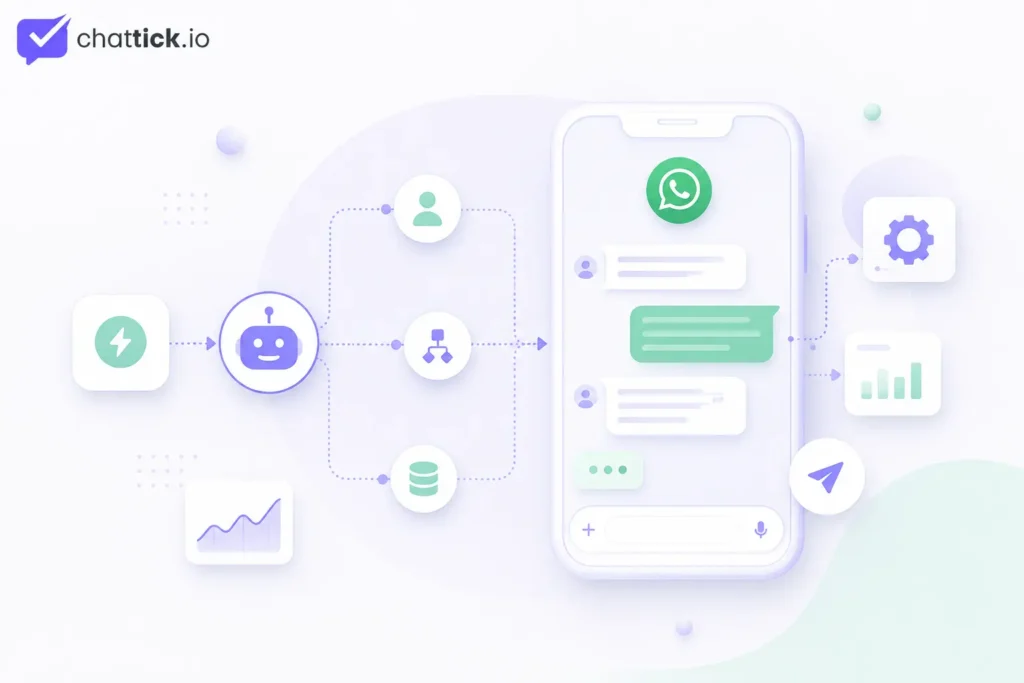
A typical message flow looks like this:
- A customer sends a WhatsApp message.
- Meta receives the message through WhatsApp.
- A webhook sends the event to your connected application.
- Your application processes the message.
- A chatbot, workflow, or agent determines the response.
- Your application sends the reply through Cloud API.
- Meta delivers the response to the customer.
- Delivery and read events are returned through webhooks.
Webhooks are HTTPS callbacks that notify your application when events occur. These events can include incoming messages, delivery updates, read receipts, message failures, and customer interactions. Your application must subscribe to the relevant WhatsApp Business Account to receive these events.
This allows WhatsApp conversations to trigger actions inside other systems.
For example, an incoming message can:
- Create a CRM contact
- Assign a lead to a salesperson
- Book an appointment
- Check an order status
- Start a chatbot conversation
- Notify a support agent
- Update a customer record
- Trigger an automated follow-up
What Do You Need to Use WhatsApp Cloud API?
Meta’s official documentation identifies three main business assets required to begin:
- A Meta business portfolio
- A WhatsApp Business Account
- A business phone number
These assets can be created during the official getting-started process if the business does not already have them.
A complete production setup may also require:
- A Meta developer app
- A registered phone number
- A Phone Number ID
- A WhatsApp Business Account ID
- Appropriate access tokens
- Required API permissions
- A secure webhook endpoint
- HTTPS and a valid SSL certificate
- A backend application
- An agent inbox or CRM
- Customer opt-in
- Approved message templates
Businesses planning a direct implementation should first check the full WhatsApp Business API requirements before beginning development.
Core WhatsApp Cloud API Features
1. Send and Receive Customer Messages
Cloud API can be used to send text, media, and message-template messages.
Supported messaging options include:
- Text
- Images
- Documents
- Video
- Audio
- Stickers
- Locations
- Contacts
- Interactive replies
- Approved templates
Messages are sent through the phone-number messages endpoint. Each outgoing message receives a unique message ID, which can later be matched with webhook delivery-status events.
This gives businesses a reliable way to connect WhatsApp messaging with their internal software.
2. Message Templates
Message templates are structured messages created for business-initiated communication.
Common use cases include:
- Appointment reminders
- Order confirmations
- Delivery updates
- Payment notifications
- Verification codes
- Marketing campaigns
- Account updates
- Lead follow-ups
Templates can include:
- Text
- Headers
- Images
- Documents
- Videos
- Quick-reply buttons
- Call-to-action buttons
- Website buttons
- Phone-call buttons
Templates are created and managed through WhatsApp Manager or the Business Management API. They must be reviewed before they can be used for applicable business-initiated messaging.
3. Interactive Messages
Interactive messaging can help customers take action without leaving WhatsApp.
Businesses can use options such as:
- Quick-reply buttons
- Website buttons
- Call buttons
- Product selections
- List-style interactions
- WhatsApp Flows
For example, an appointment reminder could include buttons allowing the customer to confirm, reschedule, or contact support.
Interactive templates can contain call-to-action and quick-reply buttons, helping businesses create more structured customer journeys.
4. Webhook Notifications
Webhooks are a core part of a WhatsApp Cloud API implementation.
They can notify your system when:
- A message arrives
- A message is sent
- A message is delivered
- A message is read
- Delivery fails
- A button is clicked
- A customer replies
- A template status changes
The webhook server must be accessible to Meta through HTTPS and use a valid SSL certificate. Once an application subscribes to a WABA, it can receive webhook events for the phone numbers connected to that account.
5. CRM Integration
WhatsApp Cloud API can connect WhatsApp with CRM platforms and internal customer databases.
A CRM integration can automatically:
- Create new contacts
- Save conversation history
- Update lead stages
- Assign sales representatives
- Trigger follow-ups
- Record appointment details
- Add tags
- Update pipelines
- Store customer preferences
This reduces manual data entry and helps teams manage WhatsApp as part of a complete customer journey.
6. Automation and Chatbots
Cloud API can be connected with rule-based automation or task-specific AI systems.
Businesses can automate:
- Frequently asked questions
- Lead qualification
- Appointment scheduling
- Order tracking
- Customer onboarding
- Document collection
- Payment reminders
- Agent routing
- Follow-up messages
Automation should not prevent customers from reaching human support when assistance is needed.
A good implementation combines automated workflows with clear live-agent handover.
7. Multi-Agent Communication
Cloud API can support multiple agents when connected to a shared team inbox or customer-support platform.
Agents can:
- View assigned conversations
- Respond from one business number
- Transfer chats
- Add internal notes
- Review contact history
- Assign tags
- Collaborate with other team members
Cloud API itself provides the messaging infrastructure. The agent experience depends on the inbox, CRM, or custom application connected to it.
8. Message Status Tracking
Every message sent through the API receives an identifier.
Businesses can use webhook events to track:
- Sent status
- Delivered status
- Read status
- Failed status
This information can support:
- Campaign reporting
- Customer-service monitoring
- Delivery troubleshooting
- Automation decisions
- CRM activity logs
Meta’s official message documentation states that messages are identified by unique IDs and their statuses can be tracked through webhooks.
WhatsApp Cloud API Setup Overview
A full technical setup normally includes the following stages.
Step 1: Create a Meta Business Portfolio
Create or access the company’s Meta business portfolio.
Add accurate business details and ensure that the portfolio remains under company control.
Step 2: Create a Meta Developer App
Create an application through Meta for Developers and add WhatsApp as a product.
The getting-started dashboard provides test resources that developers can use before registering a production phone number.
Step 3: Create or Select a WABA
Create a WhatsApp Business Account or select an eligible existing account.
The WABA manages:
- Phone numbers
- Templates
- Business profile details
- Messaging assets
- Quality information
- Permissions
Step 4: Add and Register a Phone Number
Add the number your business wants to use.
Cloud API registration requires the Phone Number ID and a six-digit PIN selected by the business. Registering the number also enables two-step verification, which Meta requires for Cloud API use.
Step 5: Configure Permissions
Cloud API primarily uses:
whatsapp_business_managementwhatsapp_business_messaging
Some business-portfolio operations may also require business_management, depending on the implementation.
Step 6: Generate an Access Token
Meta supports user and system-user access tokens.
Temporary user tokens are useful for testing. Production integrations normally use securely managed system-user credentials with the required asset assignments and permissions. Meta’s current official Cloud API collection notes that user access tokens expire quickly, while system-user tokens can be configured for longer-term access.
Never expose access tokens inside frontend code, screenshots, public documents, or unsecured files.
Step 7: Configure Webhooks
Create a secure HTTPS webhook endpoint and subscribe your application to the WABA.
Your server must:
- Accept Meta’s verification request
- Validate incoming events
- Process message payloads
- Return successful responses
- Log errors
- Prevent duplicate processing
Step 8: Send a Test Message
Use a test number or registered phone number to send a test template message.
The messages endpoint is used to send test and production messages. A successful response returns a WhatsApp message identifier.
Step 9: Connect Your Inbox, CRM, or Automation
After basic sending and receiving works, connect Cloud API with your business systems.
For a detailed onboarding walkthrough, follow the complete guide on how to get WhatsApp Business API.
WhatsApp Cloud API Pricing
Meta charges applicable WhatsApp Business Platform messages on a per-delivered-message basis.
Charges depend on:
- The recipient’s market
- The message category
- The number of delivered messages
- Applicable volume tiers
The four message categories are:
- Marketing
- Utility
- Authentication
- Service
Meta does not charge for service messages. Utility messages sent in response to users can also be free, while qualifying utility and authentication volumes can receive tiered pricing.
When a customer starts a conversation through an eligible click-to-WhatsApp ad or Facebook Page call-to-action button, messages across supported categories can be free for the following 72 hours.
Your total cost may also include:
- Shared-inbox subscription
- Provider platform fee
- Additional agent seats
- Automation usage
- Chatbot costs
- CRM integration
- Custom development
- Hosting
- Maintenance
- Technical support
Review the complete WhatsApp Business API pricing guide before estimating your monthly budget.
Direct Cloud API vs WhatsApp Platform
Businesses can use Cloud API directly or connect through a ready-made WhatsApp platform.
| Feature | Direct Cloud API | WhatsApp Platform |
|---|---|---|
| Technical knowledge | High | Low to moderate |
| Shared inbox | Must be built or connected | Usually included |
| Webhooks | Developer configures them | Often managed by provider |
| Access tokens | Managed internally | Often handled by provider |
| Automation | Custom development | Visual workflow tools |
| CRM integration | Custom or developer-led | May include prebuilt options |
| Agent management | Must be developed or connected | Usually included |
| Maintenance | Internal responsibility | Provider-supported |
| Flexibility | High | Depends on platform |
| Launch speed | Usually slower | Usually faster |
Choose Direct Cloud API When:
- You have an experienced development team
- You need a highly customized workflow
- You want complete control over the interface
- You have unique backend requirements
- You can manage security and maintenance
- You want to build your own platform
Choose a WhatsApp Platform When:
- You want faster onboarding
- You need a ready-made shared inbox
- You need visual automation
- Multiple agents will use the number
- You want provider support
- You need CRM integrations without custom development
- You do not want to maintain API infrastructure
The correct option depends on your technical resources, required features, customer volume, and growth plans.
WhatsApp Cloud API Benefits
Greater Automation
Businesses can connect incoming messages with workflows, customer data, calendars, databases, and other systems.
This reduces repetitive manual tasks.
Faster Customer Responses
Chatbots, routing rules, templates, and shared inboxes can help businesses respond faster.
Better Team Collaboration
Multiple agents can manage conversations through a connected platform while maintaining shared customer history.
Centralized Customer Data
CRM integration allows WhatsApp conversations to become part of a complete customer record.
Scalable Messaging
Cloud API is designed for programmatic communication and can connect large customer volumes with agents and bots.
Flexible Integrations
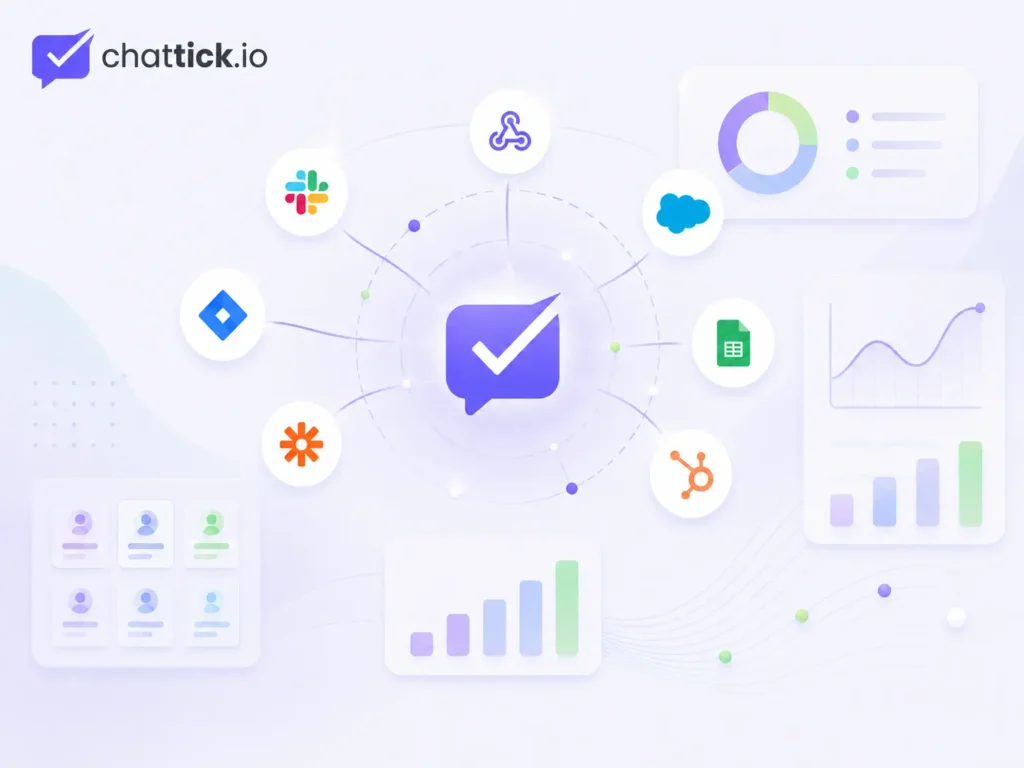
Businesses can connect WhatsApp with:
- E-commerce platforms
- CRM systems
- Payment systems
- Booking software
- Support desks
- Marketing tools
- Internal databases
- Custom applications
WhatsApp Cloud API Limitations
Technical Setup Is Required
Direct implementation requires developers who understand APIs, webhooks, authentication, backend systems, and error handling.
It Is Not a Complete Inbox
Cloud API is not a ready-made customer-support interface.
A business must build or connect an inbox where employees can read and respond to conversations.
Templates Require Management
Business-initiated templates need to be created, categorized, monitored, and maintained.
Policies Must Be Followed
Businesses must collect appropriate customer consent, use approved message types, maintain accurate information, and follow WhatsApp’s business policies.
Costs Can Include More Than Meta Charges
Although Meta hosts Cloud API, a complete system may still involve development, provider, agent, automation, hosting, and support costs.
Ongoing Maintenance Is Necessary
A custom implementation requires monitoring for:
- Expired or revoked credentials
- Webhook failures
- API errors
- Template changes
- Permission problems
- Integration failures
- Duplicate events
- CRM synchronization issues
Common WhatsApp Cloud API Use Cases
E-Commerce
Online stores can automate:
- Order confirmations
- Shipping updates
- Delivery notifications
- Abandoned-cart reminders
- Product support
- Customer-service requests
Healthcare and Clinics
Clinics can use WhatsApp for:
- Appointment confirmations
- Reminder messages
- Scheduling requests
- General support
- Follow-up communication
Businesses must handle customer data responsibly and follow relevant privacy requirements.
Education
Education providers can automate:
- Lead qualification
- Course inquiries
- Appointment bookings
- Document reminders
- Application updates
- Student support
Real Estate
Real estate companies can use the API for:
- Property inquiries
- Lead assignment
- Viewing appointments
- Follow-ups
- Agent handover
- Customer nurturing
Travel and Hospitality
Travel businesses can send:
- Booking confirmations
- Itinerary updates
- Reminder messages
- Customer-support replies
- Service notifications
Professional Services
Consultants, agencies, and service businesses can use WhatsApp Cloud API for:
- Lead capture
- Consultation booking
- Quote follow-ups
- Client onboarding
- Status updates
- Customer support
Is WhatsApp Cloud API Right for Your Business?
WhatsApp Cloud API may be suitable when:
- You receive a high volume of customer messages
- Multiple employees need access
- You need CRM integration
- You want automated workflows
- You need appointment or order notifications
- You want chatbot support
- You need detailed message-status tracking
- You want a customized communication system
The WhatsApp Business App may remain sufficient when:
- One person manages conversations
- Daily message volume is low
- Manual replies are manageable
- No CRM integration is required
- Advanced automation is unnecessary
Read the complete WhatsApp Business App vs WhatsApp Business API comparison before choosing between the two options.
Frequently Asked Questions
What is WhatsApp Cloud API?
WhatsApp Cloud API is Meta’s official, cloud-hosted WhatsApp Business Platform API. It allows businesses to connect WhatsApp messaging with agents, bots, CRM systems, and backend applications.
Is WhatsApp Cloud API free?
Meta does not charge a fixed Cloud API hosting subscription, but applicable delivered messages may be charged according to message category and recipient market. Development, platform, automation, CRM, and agent costs may also apply.
Do I need a developer?
You normally need a developer for a direct implementation. A managed WhatsApp platform may provide onboarding, inbox, automation, and integrations without requiring you to build the complete system.
Does Cloud API include a shared inbox?
Cloud API provides messaging infrastructure rather than a full agent workspace. Businesses usually connect it with a shared inbox, CRM, support platform, or custom dashboard.
Can multiple agents use Cloud API?
Yes. Multiple agents can manage one WhatsApp business number when the API is connected to a multi-agent inbox or customer-support platform.
What permissions does Cloud API require?
The two primary permissions are whatsapp_business_management and whatsapp_business_messaging. Some implementations may also need business_management.
What messages can Cloud API send?
It can send text, images, documents, audio, video, stickers, locations, contacts, interactive content, and message templates.
Are webhooks required?
Webhooks are necessary for receiving real-time incoming-message and message-status events in a complete two-way integration. The webhook endpoint must be publicly accessible through HTTPS.
Can I use my existing WhatsApp number?
An existing number may be eligible for migration or coexistence depending on its current registration. Review the existing setup carefully before removing or transferring the number.
Is WhatsApp Cloud API secure?
Meta hosts the Cloud API infrastructure, while the business remains responsible for protecting access tokens, webhook endpoints, customer data, connected systems, and user permissions.
Conclusion
WhatsApp Cloud API gives businesses a flexible way to connect WhatsApp with CRM systems, agents, chatbots, workflows, and custom applications.
It provides the messaging infrastructure needed to:
- Send and receive customer messages
- Automate communication
- Connect multiple business systems
- Track message statuses
- Use approved templates
- Build scalable customer journeys
However, successful implementation requires more than connecting an API.
Businesses must also plan:
- Phone-number ownership
- Meta asset management
- Customer consent
- Message templates
- Security
- Webhooks
- Agent access
- CRM integration
- Automation
- Ongoing maintenance
A direct Cloud API setup offers greater control, while a managed platform provides a faster and more practical option for businesses that want ready-made tools and technical support.
Connect WhatsApp Cloud API with Chattick
Chattick helps businesses connect WhatsApp and manage customer conversations through one unified platform.
With Chattick, your team can:
- Connect WhatsApp Cloud API
- Manage conversations through a shared inbox
- Add multiple sales and support agents
- Build automated workflows
- Use task-specific chatbots
- Integrate CRM and business tools
- Manage templates and notifications
- Track customer and team performance
Book a demo with Chattick to build a WhatsApp Cloud API solution around your customer volume, team size, integrations, and automation goals.